
How It Works
How LOCKED IN Works
From lineup to live communication in just a few minutes.
Every step is designed to keep the coach in control while players receive the call privately on their connected watches, keeping the instruction clear and close at hand.

Step 1
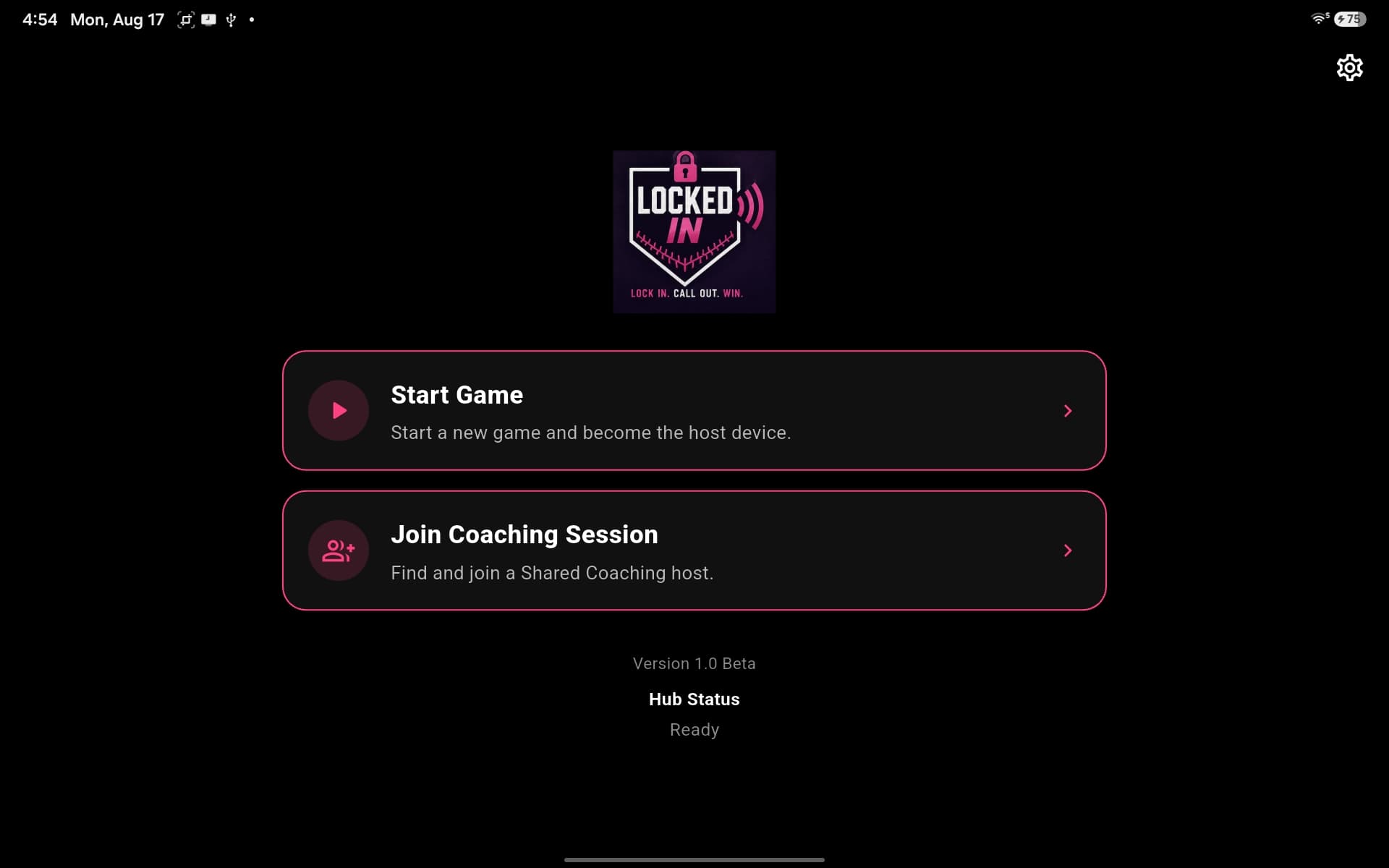
Start Your Game
Start a new game from the hub to enter the live game workflow and make this device the host.
Step 2
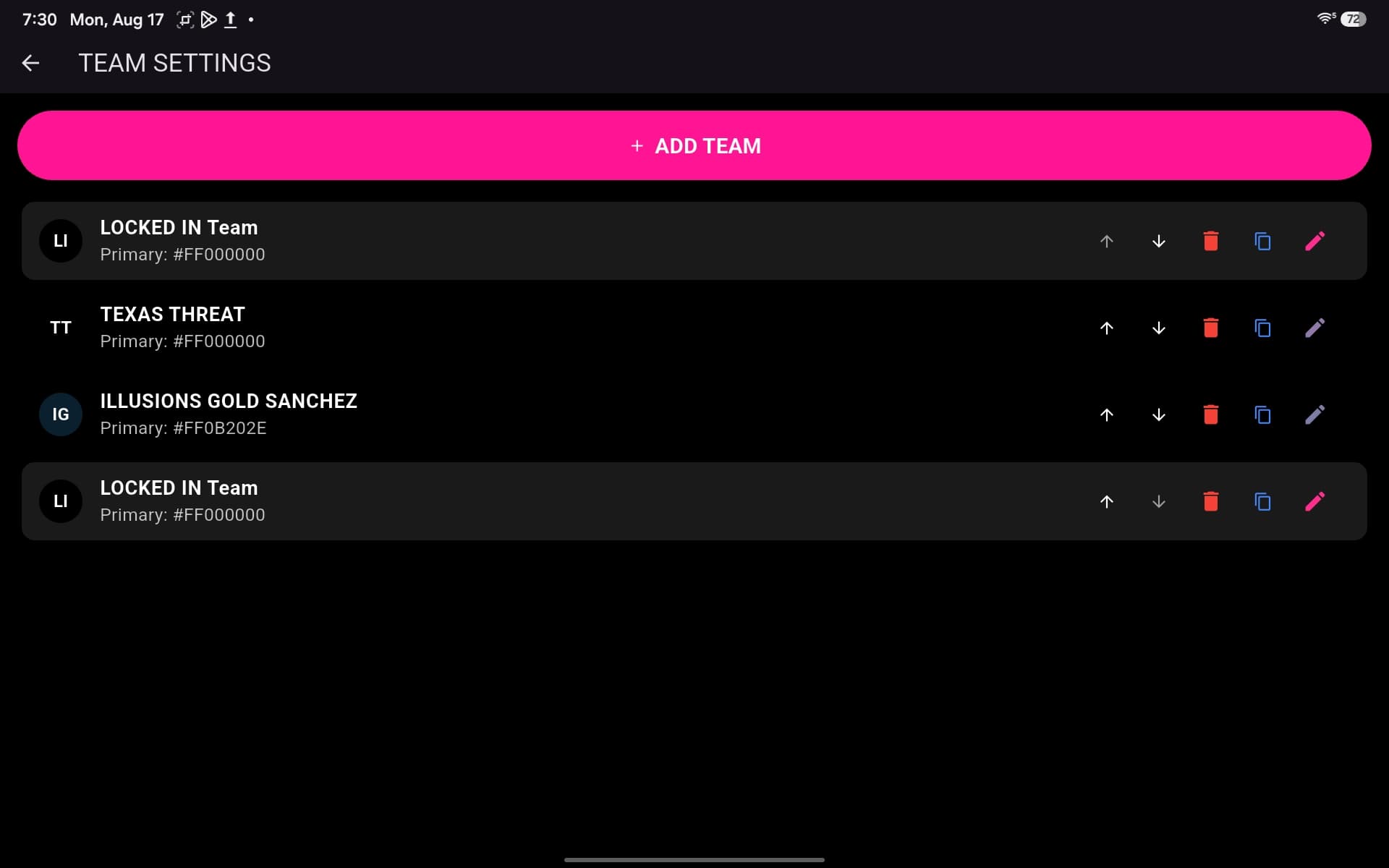
Set Up Your Team
Set up and manage your team in Team Center so team information stays organized and ready for game day.
Step 3
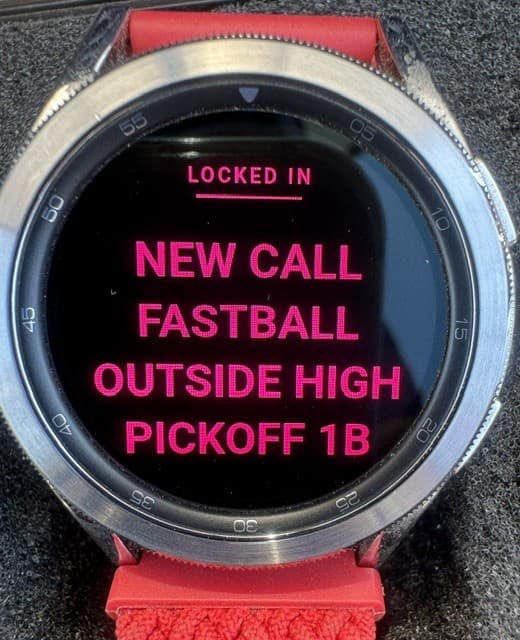
Connect Your Watches
Connect each watch to the same Wi-Fi or local network as LOCKED IN, then open the LOCKED IN watch app so the watch becomes available to the system.
Step 4
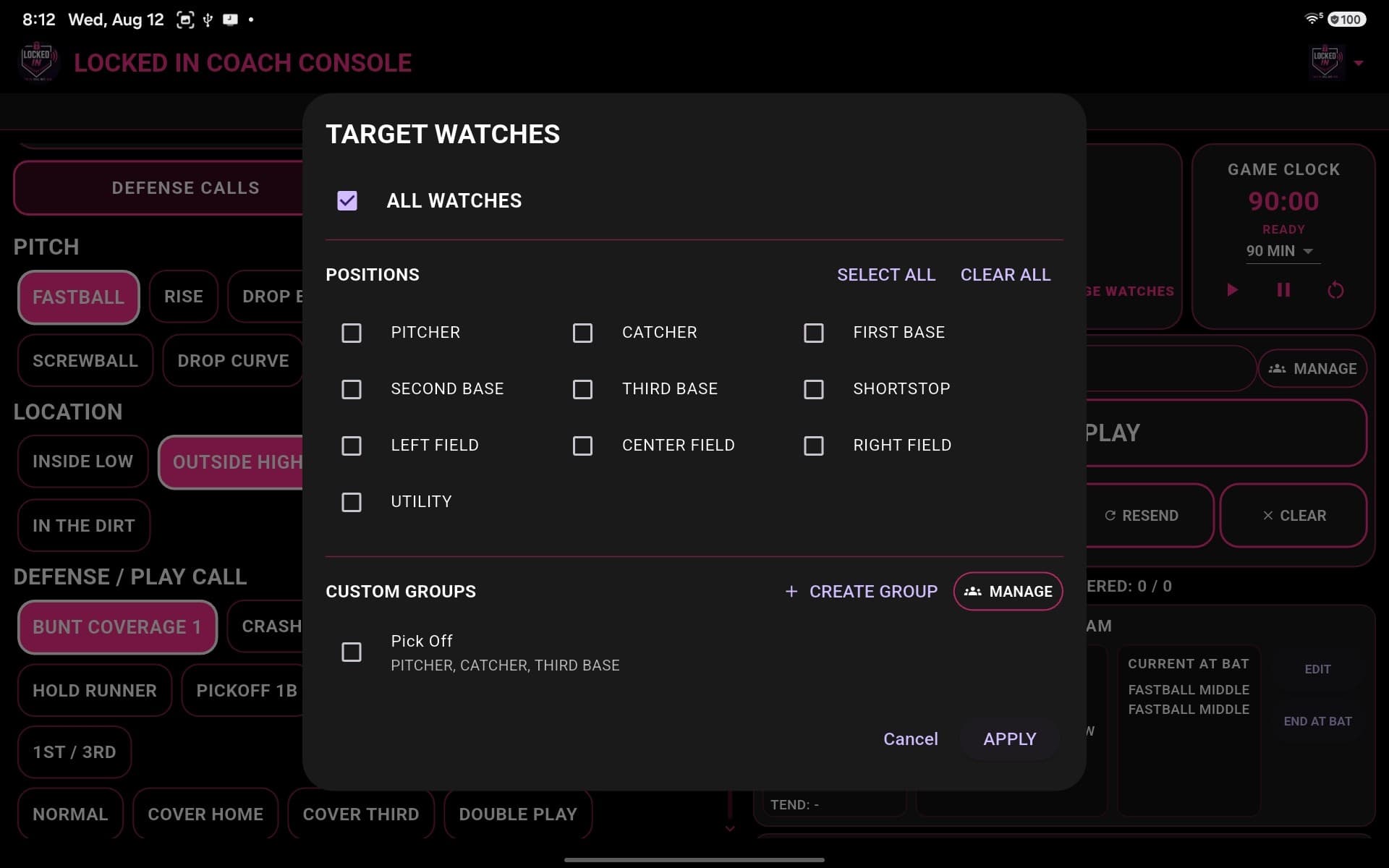
Choose Who Gets the Call
Send an instruction to all watches, specific field positions, or a custom group so the right players receive the call.
Step 5
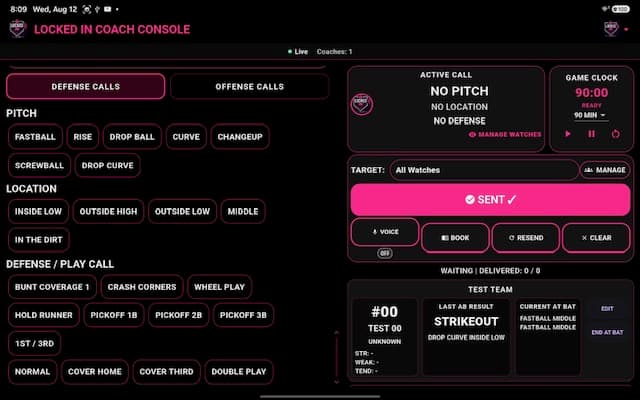
Send the Call
Select the pitch, play, location, and target that apply, then send the instruction through LOCKED IN.
Step 6
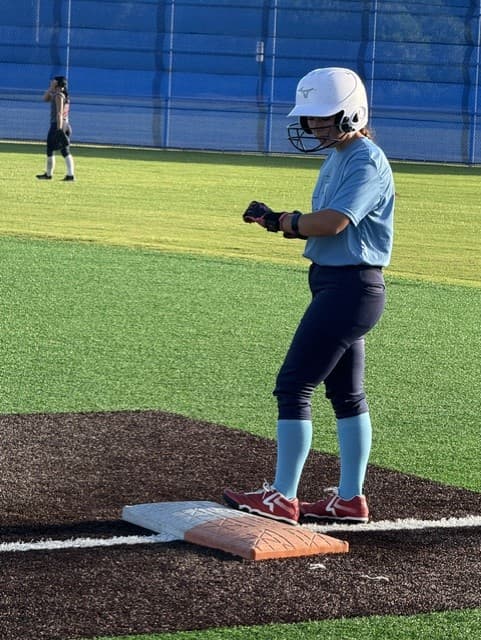
Players Receive Calls
Players receive each instruction privately on their watches during live play, keeping communication clear and focused.
Step 7
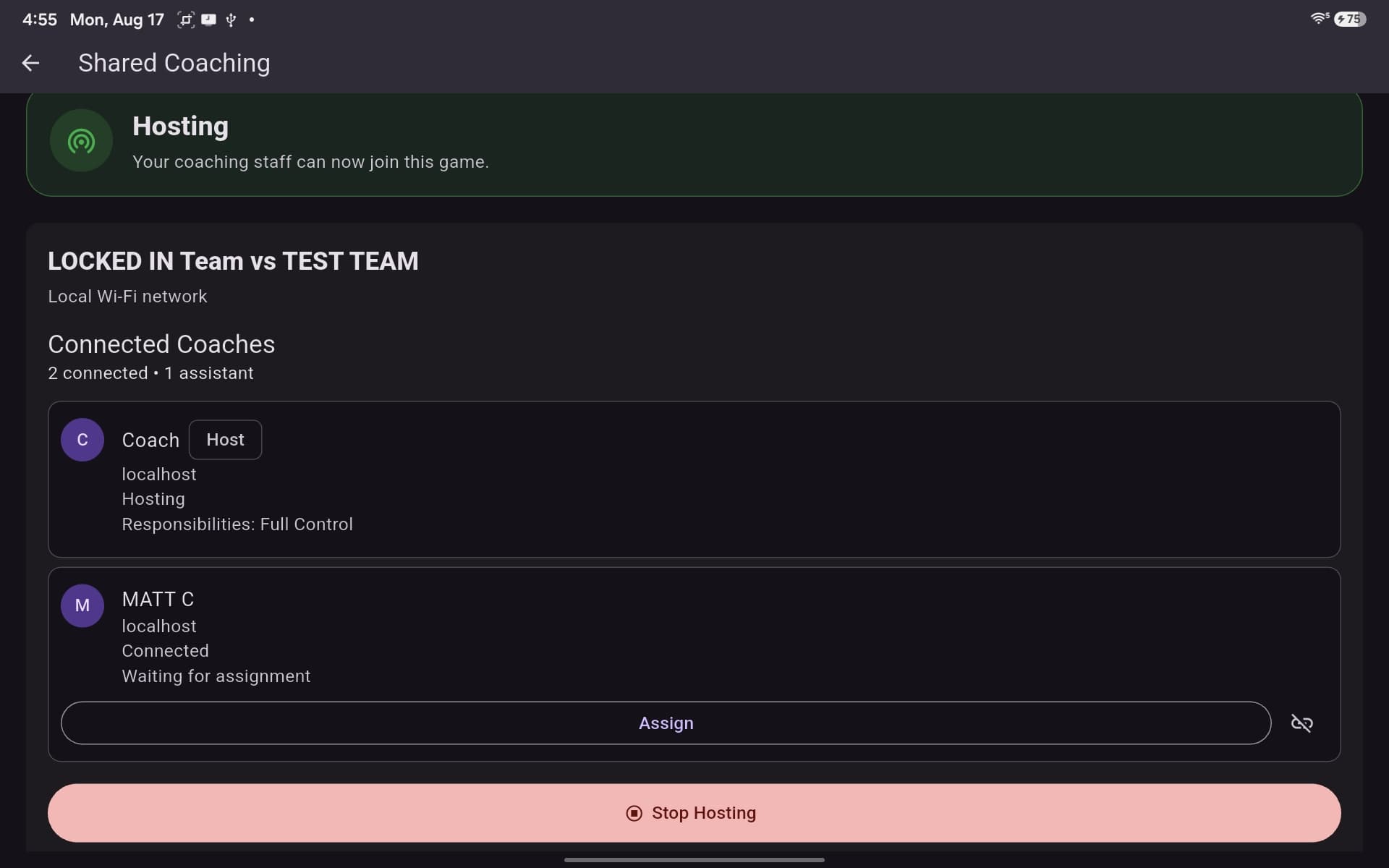
Shared Coaching
Host a shared session over the local Wi-Fi network so connected coaches can participate with the responsibilities assigned to them.
Step 8
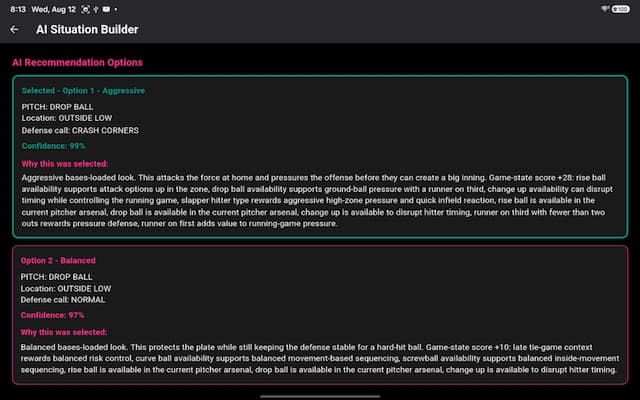
AI Assistance
LOCKED IN AI supports coaching decisions with situation-based recommendations and context while the coach remains in control.
Real Game Timeline
From setup to first play in one clean sequence
A coach can move from the game hub through setup to the first play being sent in a matter of minutes — without chaos or delay.